Best GaN Chargers to Clean Up Your Desk
The right GaN charger turns a cable nest into one brick and one wire. What to check before buying, plus three picks for a cleaner desk.
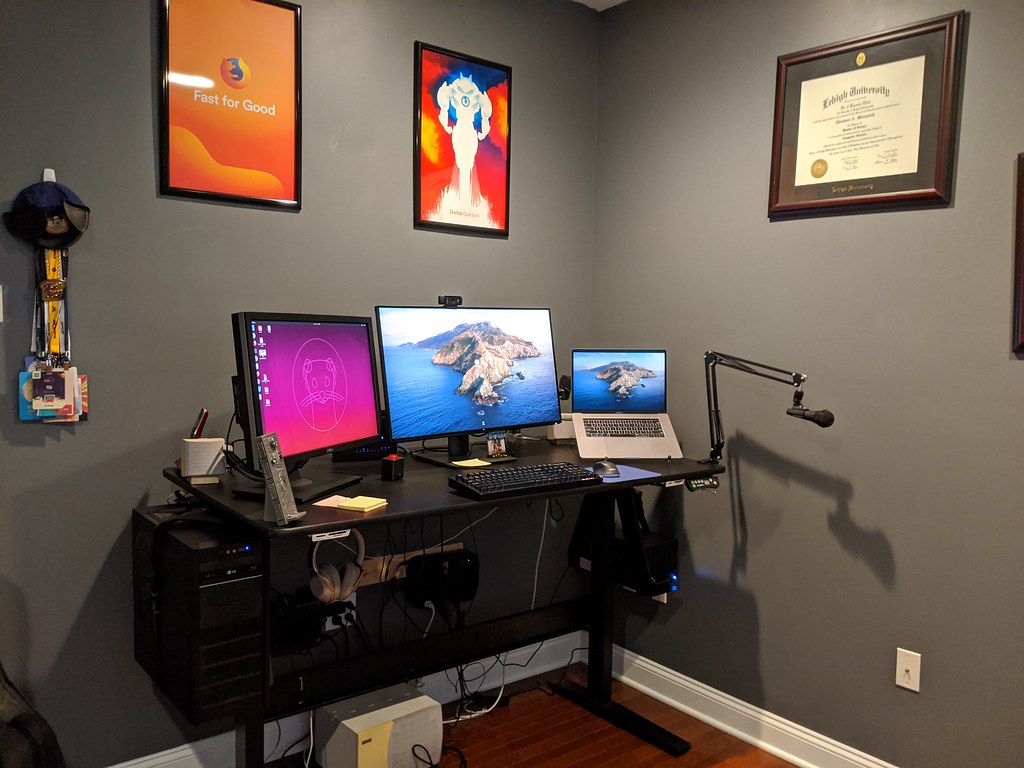
Look at your desk right now. The laptop brick is humming behind the monitor, the phone brick is hogging the outlet next to it, the watch charger dangles off a power strip, and somewhere in the tangle there is a second brick for a device you no longer own. The minimal-desk picture — one screen, one plant, one cable — dies at the outlet every single time. GaN is how it survives. Chargers built on gallium nitride convert power with less wasted heat than old silicon bricks, so the same wattage fits in a body a third of the size, and one unit can replace two or three of the things humming behind your monitor.
The promise is simple: one brick down by the outlet, one cable running up to the desk, and ports that cover the laptop, phone, and earbuds at once. The catch is that the wattage on the box is a ceiling, not a guarantee — what each port actually delivers when everything is plugged in depends on how the charger splits its budget. That split table, printed in tiny type on the listing, is the most important part of any GaN purchase.
A charger is also the easiest accessory to pair with a tidy setup — our cable management reset handles the rest of the nest — and everything else in this vein lives in our accessories category.
What actually matters before you buy
Match the charger to your laptop’s real appetite. Check the label on the brick your laptop shipped with. Most 13- and 14-inch USB-C laptops run comfortably on 65W; 16-inch performance machines and gaming rigs want 100W or more and will slow-charge politely on less. Buying below that number still works — the laptop just negotiates down, and you notice at the end of a long day.
Read the per-port table, not the headline wattage. A 65W three-port charger might deliver 65W alone, then 45W to the laptop the moment a phone joins port two. That is normal and fine once you expect it. Choose based on the split with your actual combination plugged in, not the best-case number.
Count your ports honestly. Two USB-C plus one USB-A covers most desks. Four ports make sense if a tablet and a peripheral share the brick. One warning: four ports usually means a wider body, and wide bodies crowd out neighboring outlets on a wall plate.
Think about where it actually lives. Foldable prongs matter more than you would guess — they protect bag linings and keep the charger from walking out of wall outlets. A charger behind a desk needs a body that does not cover the second outlet; a charger on a power strip needs to fit between neighbors. Weight matters too if it travels — GaN’s whole point is that the small brick is also the light one.
Budget for the cable. Above 60W you want a proper USB-C cable with an E-marker chip, and the cable included in the box is often short and basic. A good cable is the difference between rated speed and a mystery slowdown, so price it into the purchase.
Check the certifications and the warranty. Look for safety listings on the product page and compare warranty length — the big brands back these bricks for years, which matters for something that runs around the clock on your desk.
How to get more out of what you already own
Give the new brick a system. Dedicate one port to the laptop and leave it there, then label each port so you stop shuffling cables — the split table only surprises you once, and only if you do not know which port does what. Use a short cable for the desk run and let the charger live out of sight; most of the visual noise on a desk is cable length, not the brick itself.
Order of plugging matters more than people expect, too. Plug the laptop in first, then add the phone and earbuds, since the split reallocates as devices join. And resist the urge to buy the biggest number on the shelf: a 100W charger for a laptop that draws 45W is just a bigger brick on the same outlet. Match the ceiling to the hungriest thing you actually plug in.
The picks, briefly
The three below split cleanly by strategy — the compact all-rounder, the four-port overkill option, and the budget-tier workhorse — with the power-split trade-offs written out for each.
Anker 735 Charger (GaNPrime 65W)
The desk default: three ports, foldable prongs, and a body your outlet can live with.
Best for: One charger for a laptop, phone, and earbuds on a small desk
- Two USB-C plus one USB-A covers nearly every cable you own
- 65W single-port output runs most USB-C laptops, based on published specifications
- Foldable prongs and a compact body that doubles as the travel charger
- Total output is shared, so a laptop plus two devices drops each port's wattage
- No cable included — budget for a proper E-marked USB-C lead
Ugreen Nexode 100W USB C Charger (4-Port)
When one brick has to run the entire desk, this is the deliberate overkill you want.
Best for: Multi-device desks: laptop, tablet, phone, and a peripheral at once
- 100W ceiling keeps larger laptops near full speed, rated by Ugreen
- Three USB-C ports plus one USB-A handle a growing cable drawer
- Larger body — it edges back toward the brick clutter you were escaping
- Four-way splitting means reading the power table before plugging in
Baseus 65W USB C Charger (GaN, Foldable)
The budget-tier workhorse that keeps GaN's size and heat advantages at a friendlier price.
Best for: A second charger for the bag, nightstand, or couch corner
- Two USB-C and one USB-A at a lower price tier than the big names
- Foldable plug and a light body rated for 65W max
- Model variations are confusing — check the exact listing's port layout
- Warranty support is less established than Anker's, based on published warranty terms
FAQ
Will a 65W GaN charger actually run my laptop?
For most 13- and 14-inch USB-C laptops, yes — they are designed to negotiate down and run fine, based on published specifications. High-power 16-inch and gaming machines want 100W or more and will charge slowly on less.
Is GaN safer than a regular charger?
It meets the same safety standards; gallium nitride is simply a more efficient transistor material, so the charger can be smaller and cooler at the same wattage. Buy from a brand with a real warranty and standard safety listings.
Why does my laptop charge slower when I plug in my phone?
The charger is splitting its total wattage across ports, and each port gets less than the headline number. Check the power-split table in the listing — it tells you exactly what each port delivers with your combination plugged in.