Best Laptops for College Students Under $700
What actually matters in a sub-$700 college laptop: keyboards for all-nighters, batteries that survive a lecture day, and the specs worth paying for.

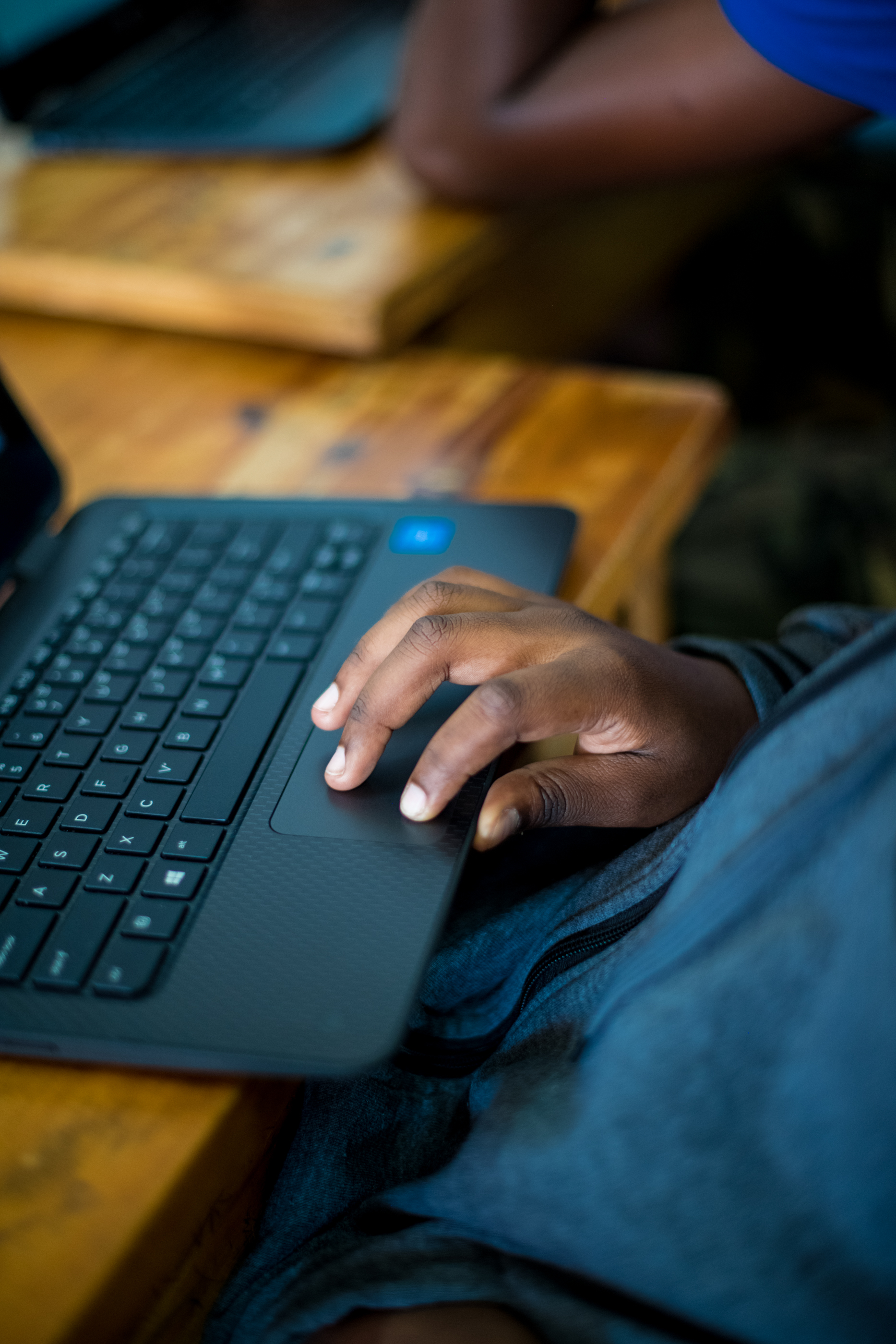
Photo: Wonderlane · cc0 · source
It’s 11:47 on a Tuesday, the essay is due at midnight, and the dorm has gone down to one light. Your roommate is asleep, the desk lamp is doing all the work, and your world has compressed to a doc with 800 words of almost-thesis, fourteen tabs and a Spotify queue you keep forgetting to pause. Somewhere in that cone of lamplight, you make a silent promise: the next laptop will not sound like a hair dryer while you type.
The good news is that sub-$700 in 2026 is a much better place to shop than it used to be. The floor has risen — you’d have to work hard to buy a laptop with a 720p screen or 4GB of RAM — and most machines in this band handle the actual student workload: documents, browsers, video calls, streaming, and that one statistics program you resent. What the price band doesn’t do is forgive the wrong priorities. Marketing will sell you processor names; dorm life bills you for weight, battery and keyboard.
Because that’s the real spec sheet for a student machine. It gets carried across campus in a backpack next to a water bottle. It survives a lecture day away from outlets. It gets typed on for hours at a stretch, on surfaces ranging from library desks to your knees. Every buying criterion below comes from one of those three facts.
What actually matters before you buy
- 8GB of RAM is the floor; 16GB is the comfort zone. The difference shows up in exactly the moment you’re living in right now — twenty tabs, a doc, a video call. If the model allows a RAM upgrade later, even better; check before you buy, not after.
- Demand a 1080p screen, then check its brightness. Resolution is settled at this price; brightness is not. Panels rated around 250 nits fade next to a dorm window, while 300-plus, based on published specifications, stays usable. This is the spec reviewers complain about most on budget laptops.
- Type on the keyboard if humanly possible. You will write more on this machine than on any laptop you’ve owned, and a mushy keyboard or a half-size shift key bills you every night. Store displays, showroom videos and keyboard-focused reviews are worth the time.
- Weight is a syllabus problem. Every pound is carried five days a week between buildings; under roughly 3.5 pounds disappears into a backpack, and four-plus makes itself known by Wednesday. A 15.6-inch screen is lovely at a desk and a commute tax in a bag.
- Read the battery rating, then discount it. Manufacturers rate battery life with video tests, based on published claims; real lecture days — Wi-Fi, brightness, tabs — run meaningfully shorter. A machine rated for long video hours is the one most likely to survive a full class day.
- USB-C charging is the quiet win. It means one small charger for laptop and phone, a cheaper replacement brick, and fewer outlets claimed at the library. A HDMI port still helps in classrooms, but the charging port matters weekly.
How to get more out of what you already own
If you’re nursing a laptop through senior year first, an evening of maintenance buys real speed. Trim startup apps, move your coursework into Google Drive or OneDrive so files sync and nothing dies with the disk, and keep downloads and the desktop clean — a nearly full drive slows everything. On Windows, uninstall the vendor utilities that boot with the machine; on a Chromebook, keep local storage light and let the cloud carry it.
Then fix the midnight-laptop experience directly. Turn on Night Light or Night Shift after sunset so late typing hurts less, learn the battery-saver toggle, and if the fans drown out your roommate, a laptop stand plus a $10 cooling pad changes the acoustics more than any setting. For the essay itself, draft in the browser with offline docs enabled — the version that autosaves is the version you keep.
When it’s genuinely time to buy, stack the discounts: manufacturer education stores, student verification portals, and back-to-school sales routinely knock the price bands here into reach. The refurbished route stretches further still — our guide to buying a refurbished laptop without getting burned covers warranties and the inspection checklist. More laptop coverage, including the Chromebook-versus-Windows question, lives in /category/laptops/.
The picks, briefly
The three below split the sub-$700 field the way dorm life actually demands: the cheapest acceptable Windows machine, the 2-in-1 that reads in bed, and the Chromebook that outlasts everyone’s battery anxiety.
Acer Aspire Go 15
The cheapest Windows machine that doesn't feel like a punishment, based on published specifications.
Best for: Freshmen on the tightest budget who mostly live in a browser.
- A 15.6-inch 1080p display and a full-size keyboard at entry-level pricing
- Enough performance for documents, streaming and a healthy stack of browser tabs, based on published specifications
- Base configurations start at 8GB of RAM; pick a higher SKU if you keep dozens of tabs open
- The panel is dimmer than pricier laptops — fine indoors, washed out near a sunny window
Lenovo IdeaPad Flex 5 14
The dorm-surface pick: a 2-in-1 that reads like a tablet and types like a laptop.
Best for: Students who annotate PDFs and read in bed more than they game.
- A 360-degree hinge turns it into a tablet for lecture slides and journal articles
- Touchscreen with stylus support makes margin notes painless, based on published specifications
- The smaller 14-inch screen means more scrolling on split-screen study nights
- Hinges and touch add cost and weight over a plain clamshell at the same price
Acer Chromebook Plus 515
The smart-money pick if your coursework lives in Google Docs.
Best for: Browser-first students who want maximum battery and minimum drama.
- The Chromebook Plus tier guarantees at least 8GB of RAM and a modern chip, per Google's program requirements
- A big 15.6-inch screen with long rated battery life, based on published specifications
- Windows-only course software won't run — check your major's requirements first
- Modest local storage; you'll live in the cloud by design
FAQ
Is a Chromebook enough for college?
If your coursework happens in a browser — docs, slides, video, most humanities and business majors — yes, often more comfortably than a budget Windows machine. It fails the moment a course requires Windows-only software, so check your department's requirements before buying.
How much RAM does a student laptop need in 2026?
8GB is the practical floor for classes, tabs and video calls; 16GB is the comfort zone if you keep many windows open or run heavier software. RAM is the one spec where being cheap shows up weekly.
Should I buy at the campus bookstore?
Compare the education discount against direct-from-manufacturer pricing first — campus stores mark up some models and discount others. Manufacturer education stores usually win, and sales around back-to-school often beat both.