Best Budget Android Phones Under $300 (2026)
What the spec sheet hides on sub-$300 Android phones: update promises, displays, and the tradeoffs worth living with — plus three picks that hold up.
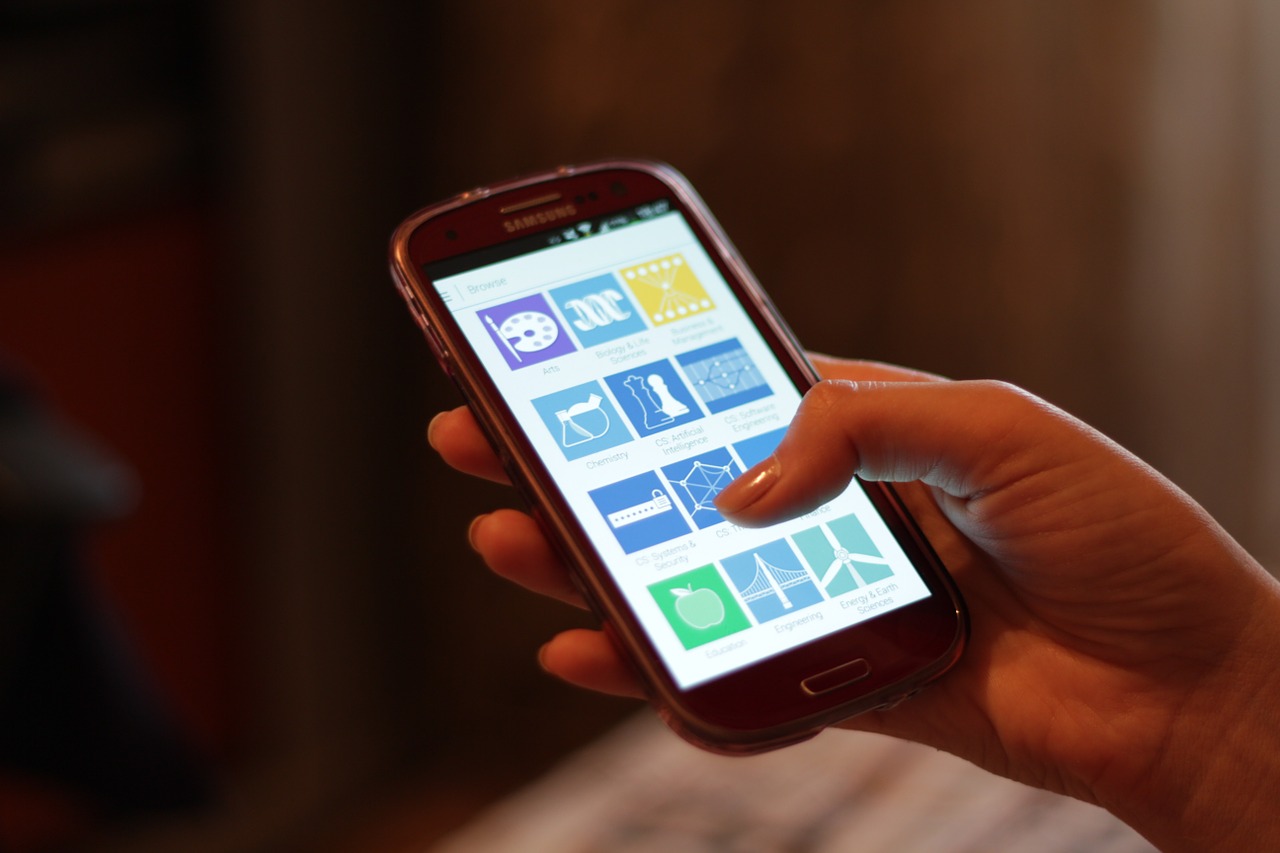
Photo: Océanos y dados · CC0 · source
It happens on the bus, because that’s where it always happens. The 8:05 crosstown lurches away from the stop, your grip slips, and your phone lands screen-down on the rubber floor with a sound every rider pretends not to hear. The corner is cracked, the battery that never held a charge is down to nothing by 10 a.m. anyway, and somewhere between two stops you catch yourself doing the math on whether this is finally the month you replace it.
The problem is that shopping from a standing position on a moving bus is exactly how bad phone purchases happen. Spec sheets throw 5,000mAh and 120Hz and AI cameras at you, every listing claims to be a flagship killer, and none of it tells you what the phone will feel like in March, when the newness wears off and you’re just a person checking a map with cold hands. Budget phones in 2026 are genuinely good — the failures are almost always about the wrong tradeoff, not the price.
So here’s the honest version: what separates a good phone under $300 from a cheap one, in the order it actually matters when you’re standing in the aisle.
What actually matters before you buy
- The update promise matters more than the chip. At this price, processors are all adequately fast. What varies wildly is how long the phone stays secure and current: Samsung now promises six years of OS and security updates on models like the Galaxy A16 5G, per its published support policy, while some brands commit to two. In day-to-day terms, that’s the difference between a four-year phone and a two-year one.
- Ask what the display does at noon, not in the store. A 120Hz AMOLED panel has gone from luxury to common under $300, and it makes everything — maps, texts, the news you scroll at the stop — look sharper. But brightness in direct sunlight is the number that matters on a commute. Check the rated peak brightness, based on published specifications, before you trust any panel.
- Treat the battery rating as a floor, not a promise. Nearly everything here carries a 5,000mAh cell, which is rated for a full day and change of typical use. The real variable is refill speed: whether the phone supports 25W or 45W charging decides whether your lunch break rescues your afternoon or merely prolongs it.
- Check for NFC before you buy, not after. Tap-to-pay is how you get through the fare gate, and it’s not universal at this price — the US version of the CMF Phone 1, for one, ships without NFC. If Google Wallet is how you pay for the bus itself, verify the exact model and region support it.
- Make 128GB the floor and a microSD slot the escape hatch. Photos, podcasts and a couple of streaming downloads eat storage fast. A slot you can fill with a $15 card beats paying the storage upgrade tax at checkout.
- Skip the camera arms race. Every phone in this band takes perfectly usable daylight photos and every one of them turns to porridge after dark. Judge on the daylight samples you can find, and spend the money you save on a case.
How to get more out of what you already own
If the crack on your current phone is the only complaint, slow down before you replace it. A degrading battery is the most common reason a two-year-old phone feels old, and it’s the cheapest thing to fix — our guide on when a battery replacement beats an upgrade walks through the health numbers and the math. Check that before you spend $300.
If the phone itself is the problem, spend an evening squeezing it. Back up photos to Google Photos and delete the local copies, uninstall the apps you haven’t opened since spring, and use Lite or web versions of the heaviest social apps. Clearing 20GB and trimming background apps makes a tired phone feel noticeably quicker for free — sometimes quick enough to buy you a season of shopping patience.
And while you wait, treat the old battery kindly: charge between roughly 20 and 80 percent, keep the phone off the dashboard in summer, and use whatever optimized-charging setting the manufacturer ships. If you’re weighing this exact tradeoff on a long travel day, our piece on iPhone and Android battery life in real conditions covers what those rated numbers mean when the day gets long. More phone coverage lives in /category/smartphones/.
The picks, briefly
The three below cover the realistic paths under $300: the long-support default, the battery-first endurance play, and the one that looks like nobody else’s phone. Prices in this band move weekly, so treat each as a position to watch rather than a fixed tag.
Samsung Galaxy A16 5G
The default pick if you keep phones for years — six years of updates changes the math.
Best for: Budget buyers who hate phone shopping and want this to be the last one for a while.
- 6.7-inch Super AMOLED display at this price is rare, based on published specifications
- Samsung commits to six years of OS and security updates on this model, per its published support policy
- Charging speed and processor punch are modest; this is a smooth phone, not a fast one
- The large plastic body trades the feel of a premium phone for the price
Motorola Moto G Power (2025)
The endurance pick: a battery rated for more than a full day and wireless charging at a budget price.
Best for: Podcast listeners, readers, and anyone who refuses to carry a power bank.
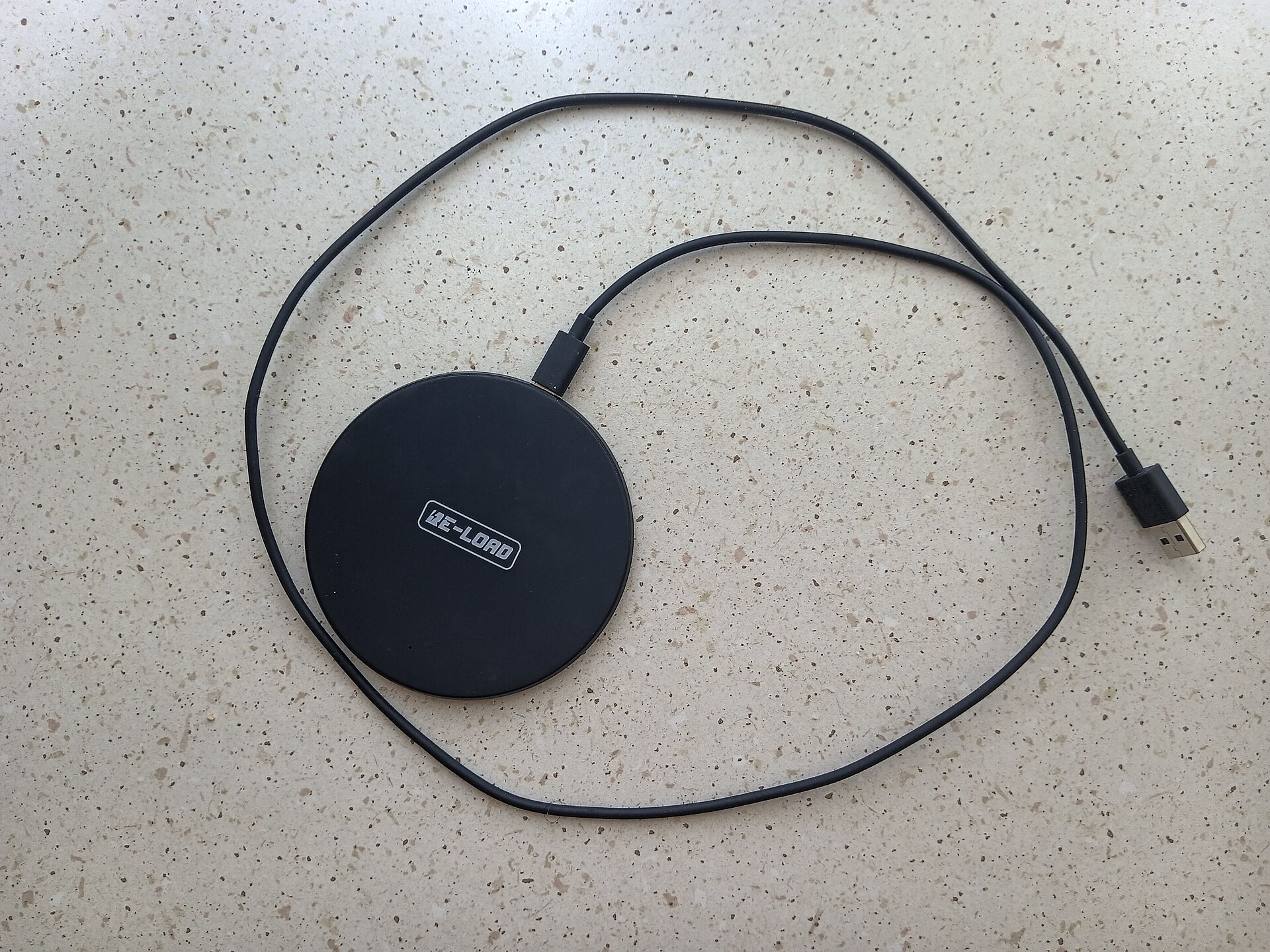
- 5,000mAh battery rated for well over a full day, with wireless charging onboard, based on published specifications
- An IP68 water-resistance rating is unusual anywhere near this price band
- Motorola's software update promise trails Samsung's by years
- Camera quality falls apart quickly after sunset
CMF Phone 1 by Nothing
The personality pick — swappable covers and a clean 120Hz AMOLED, if you can live without tap-to-pay.
Best for: Buyers who want their phone to look like nothing else on the bus.
- Swappable back covers and snap-on accessories make it the most customizable phone under $300
- 120Hz AMOLED display and lightweight, fast software, based on published specifications
- The US variant ships without NFC, so Google Wallet tap-to-pay is off the table
- The update runway is measured in a couple of years, not six
FAQ
Are phones under $300 slow in 2026?
Slower than flagships, noticeably, but rarely annoyingly. Midrange chips from MediaTek and Qualcomm handle messaging, maps, streaming and social feeds without stutter. Heavy 3D gaming is where you'll feel the ceiling.
Is 128GB of storage enough?
For most people, yes — as long as photos back up to the cloud and you let streaming apps do the heavy lifting. If you shoot lots of video or carry offline media, prioritize a microSD slot or a 256GB configuration.
How long should a budget phone last?
With a model promising five or six years of updates, the hardware usually outlasts the software support. Expect to replace the battery once or twice in that window — far cheaper than replacing the phone.