iPhone vs Android Battery Life: What Real Days Actually Look Like
What rated battery hours mean after a real airport day — how iPhone and Android endurance compares day to day, and the gear that closes the gap.
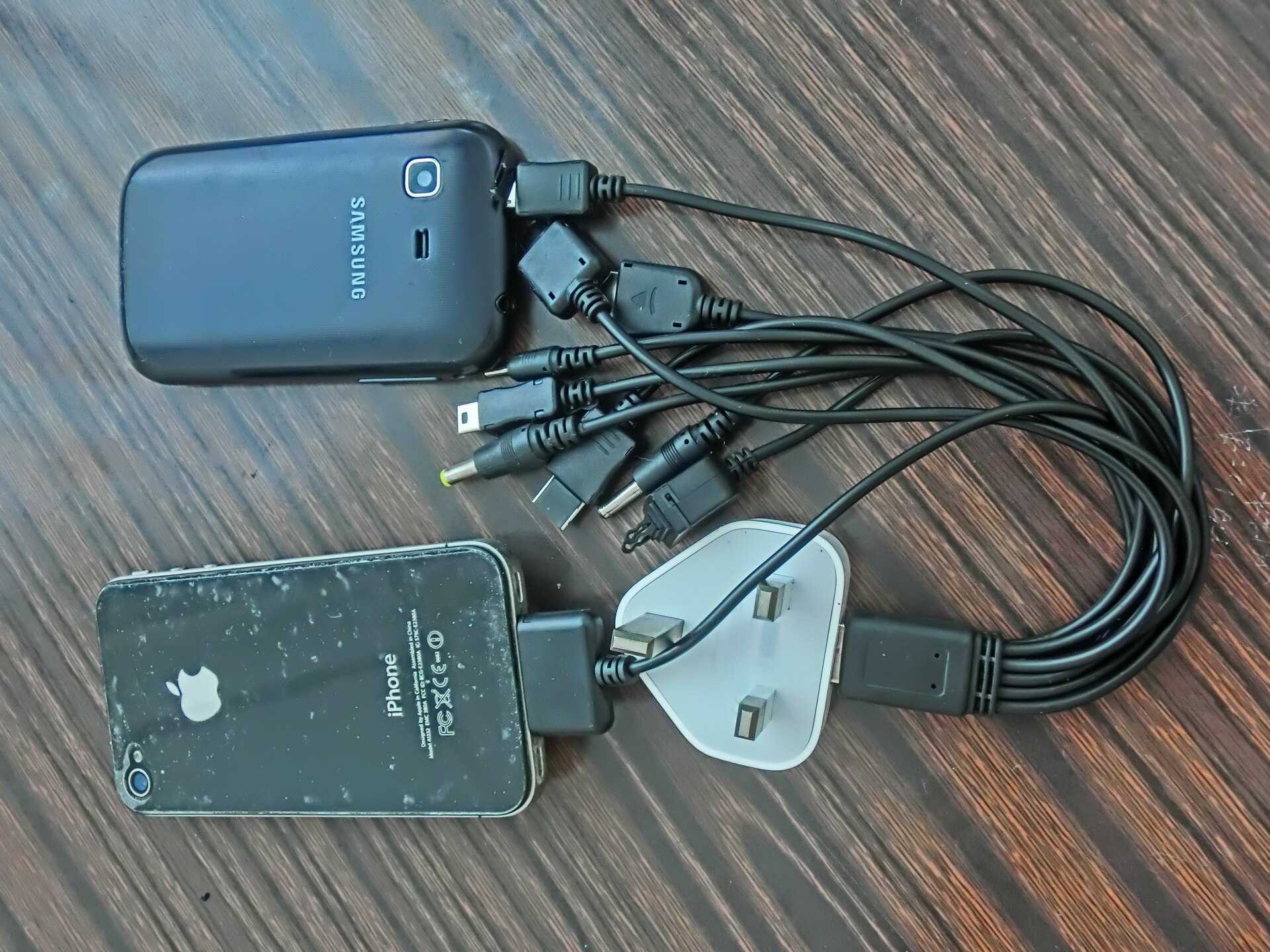
Photo: Huwanglaimtangms · CC BY-SA 3.0 · source
Your flight leaves at 6:10, which means at 4:55 you’re parked at a gate with no free outlet in sight, watching your battery percentage become the most interesting number in the terminal. Across from you, someone’s iPhone sits at 61 percent after the same day of gate-hopping, podcasts and airport Wi-Fi. Yours is at 34, and you’ve done nothing wrong except own a different phone.
By the second delay, the comparison has become a hobby. You clock every phone on the row of seats — the Android streaming a show, the iPhone scrolling forever, the dead one face-down in someone’s lap — trying to reverse-engineer which platform actually lasts. The honest answer is uncomfortable for both fanbases: brand decides far less than people assume, and the day itself decides more.
Here’s what’s really going on. Manufacturers quote video-playback hours — Apple and Samsung both rate their current phones well into the twenty-hour range for video, based on published specifications — and those numbers are real, for video, at a controlled brightness, on airplane Wi-Fi nobody is using. A real travel day is a different workload: weak cellular signal in concrete terminals forces radios to work harder, navigation and boarding passes keep the screen lit, and every photo of your gate-board pizza is a background upload. In day-to-day terms, a rated all-day battery is a half-day of heavy travel use, on either platform.
What actually matters before you buy
- Read battery size and chip together, not either alone. A 5,000mAh cell with an efficient midrange chip routinely outlasts a 4,400mAh cell with a flagship chip under stress. Neither spec means much in isolation, so find reviews of the specific model rather than the brand’s averages.
- Read the charging story too, because refill speed is endurance. A phone that goes from 10 to 60 percent in 20 minutes survives an airport lunch. A phone that needs two hours to do it doesn’t, no matter how big the cell is. Check rated charging wattage and what the manufacturer claims it delivers, based on published specifications.
- Weigh standby against screen-on for your actual habits. iOS and Android both manage idle drain well on current phones, but travel days are screen-on days — maps, boarding passes, messages. If your phone dies while barely being used, that’s a battery health problem, not a platform problem.
- Remember that signal strength is a battery tax. Two bars in a concrete concourse makes the radio sprint. On long stretches in dead zones, airplane mode saves more battery than any setting tweak — turn connectivity back on at intervals instead of letting the phone search for hours.
- Learn where the low-power toggle lives before you need it. Every platform has one; the difference at 15 percent is whether you can flip it in three seconds or spend a minute digging through settings menus while your phone dies.
- Judge your own battery health before you judge the phone. A three-year-old battery of any brand has lost meaningful capacity, typically rated to retain around 80 percent after a few years of normal charging. Old battery feels like platform failure — it usually isn’t.
How to get more out of what you already own
On a travel day, the sequence matters more than the settings. Airplane mode in the air and in dead zones, dark mode on OLED screens, downloaded playlists instead of streamed ones, and brightness dragged down the moment you step inside all stack. Turn on the platform’s battery saver when you land rather than when the warning appears — the savings compound over hours, not minutes.
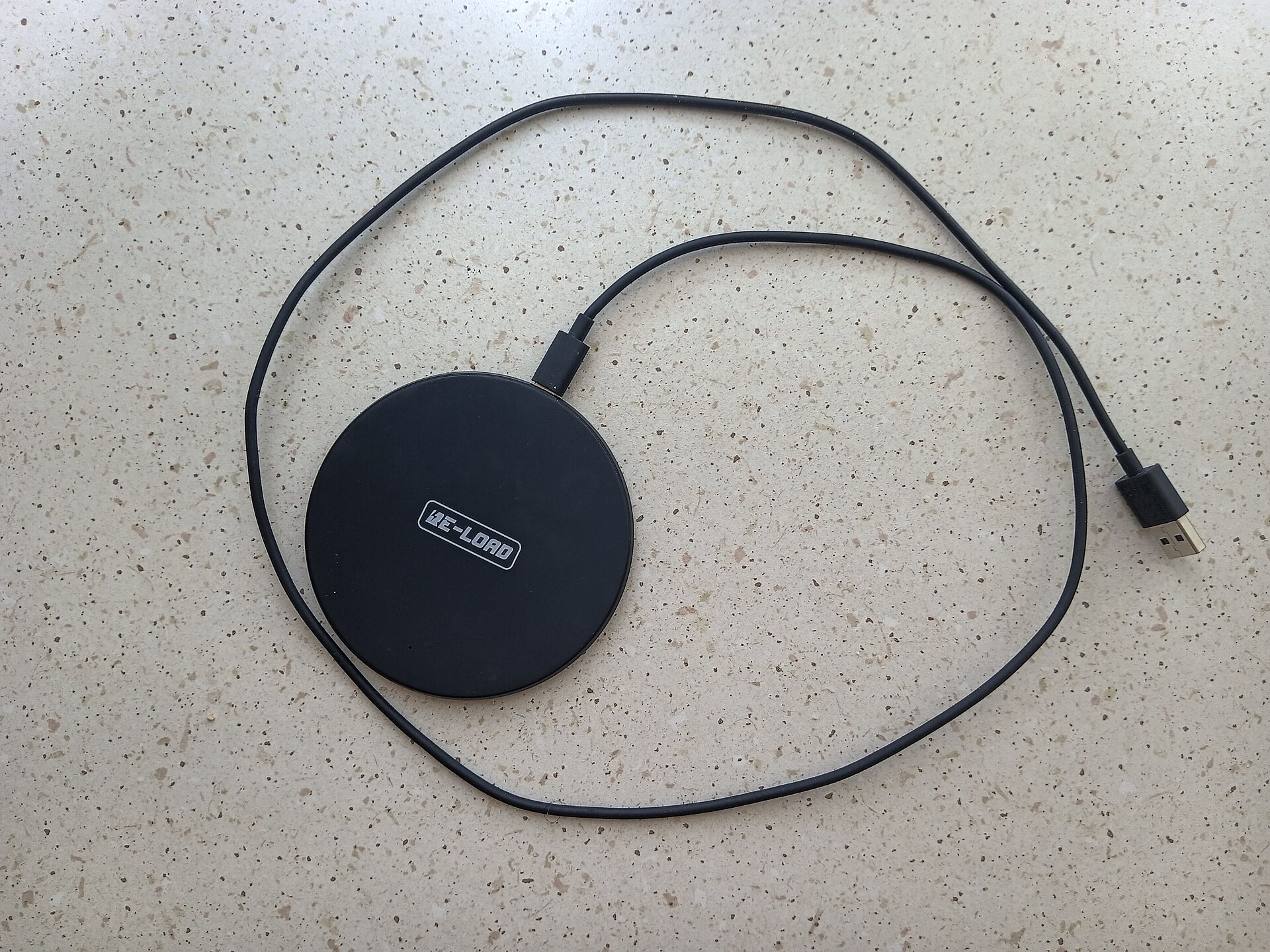
For gear, one good power bank outperforms every software trick combined. The picks below cover the realistic tiers: a high-capacity bank that also refills laptops, a magnetic snap-on for iPhones, and the plain wall charger every bag should contain. Charging to 80 percent where the phone allows it, and keeping it off hot car dashboards, does more for the battery’s lifespan than any of this season’s charging folklore.
If the real story is that your battery has simply aged out, that’s a replaceable part, not a platform verdict — the math on swapping it lives in our battery health and replacement guide. And if a new phone is genuinely the right call, our budget Android picks under $300 are where the value sits right now, with more phone coverage in /category/smartphones/.
The picks, briefly
If the honest takeaway is that both platforms need a little help on a long travel day, the three below are the help: one brute-force bank, one pocket magnetic refill, and the charger that should already be in your bag.
Anker 737 Power Bank (PowerCore 24K)
The one bank that refills a phone twice over and still tops up a laptop in a pinch.
Best for: Travelers who treat a delayed gate change as a normal Tuesday.
- 24,000mAh capacity with 140W output, based on published specifications — enough headroom for phones, tablets and many laptops
- A small display shows exactly how much charge is left, so there's no guessing at the gate
- Over a pound — you will notice it in a personal item
- Carry-on rules make it a non-starter in checked luggage, so it lives with you all trip
Anker MagGo Power Bank (Qi2, 10K)
The pocketable snap-on refill for iPhones — no cable hunt at the terminal bar.
Best for: iPhone owners who hate fumbling cables more than they hate slow charging.
- Qi2 magnetic alignment keeps it attached through a full walk from gate B14 to the food court
- 10,000mAh is rated for roughly two full refills of a modern iPhone
- Magnetic attachment only works as intended on MagSafe or Qi2-friendly cases
- Slower than a wired bank when you need 20 percent before boarding starts
Apple 20W USB-C Power Adapter
The boring brick that belongs in every bag — fast enough for phones, cheap enough to duplicate.
Best for: Anyone who has ever begged a gate agent for a free outlet.
- Fast-charges iPhones and most USB-C Android phones from low battery, based on published charging speeds
- Small and inexpensive enough to keep one in every bag you own
- 20W is slow by 2026 Android flagship standards, where 45W and faster charging is common
- Cable sold separately, which surprises people every single time
FAQ
Do iPhones or Android phones last longer on a charge?
There's no brand-wide winner. Endurance comes from the specific combination of battery size, chip efficiency and software behavior, so a big-battery Android commonly outlasts a compact iPhone and vice versa. Compare specific models, not logos.
Do battery saver modes actually help?
Yes, especially on long days. Saver modes throttle background activity, reduce screen brightness and pause syncing, which stretches the tail end of a battery noticeably. The savings are largest when you turn the mode on early rather than at 5 percent.
Is it bad to charge my phone overnight?
Not with modern phones. Both platforms ship charge-management features that hold the battery near full until just before your alarm, which reduces time spent at maximum voltage. Keeping the phone cool matters more than the hour you plug it in.