Phone Battery Health: When Replacement Beats an Upgrade
Battery health numbers, translated: where a battery swap beats a new phone, the symptoms that mean replace it now, and the gear for doing it yourself.
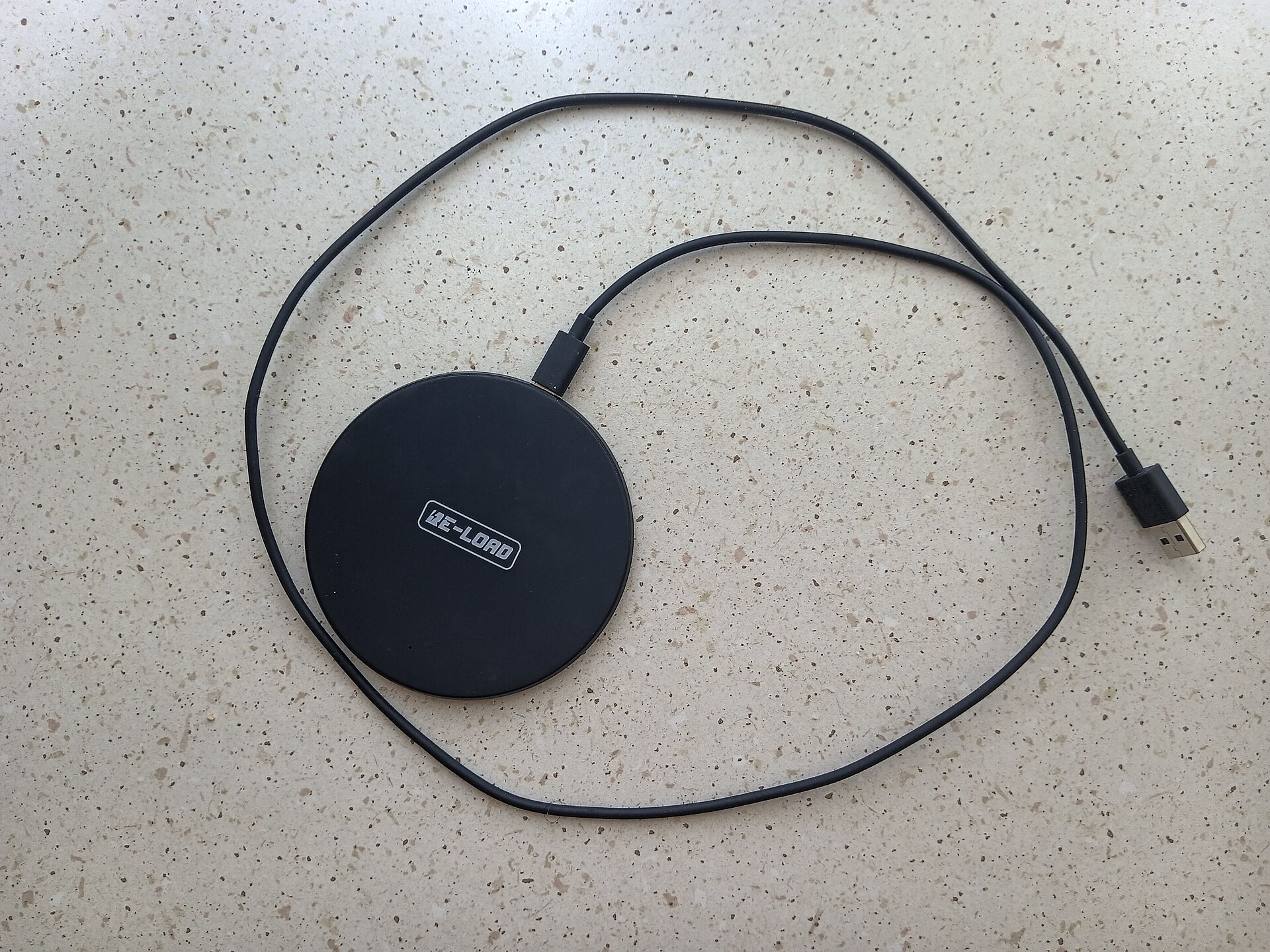
Photo: WrS.tm.pl · Public domain · source
The shop smells like solder and coffee, and the tech has your phone face-up on the mat within thirty seconds of you saying the words battery life. He runs a diagnostics readout while you watch through the counter glass: 82 percent maximum capacity, a few hundred charge cycles. Ninety seconds, and you finally know what’s wrong with a phone you’ve been blaming for a year. Then he asks the question this whole article answers: want the swap, or are you shopping for a phone?
Here’s the context that makes that question answerable. Phone batteries are consumables — lithium-ion cells rated to retain around 80 percent of their capacity after a few hundred full charge cycles, based on typical published battery specifications. Apple’s diagnostics mark a battery as degraded below 80 percent, per its published support documentation. Android is less standardized: some brands surface a health number in settings or through service centers, and third-party apps can estimate it, but the cleanest read usually comes from a shop’s diagnostics like the one you just watched.
Now the math. A battery swap typically lands somewhere in the $50 to $100 band, whether through the manufacturer’s service program or a reputable shop, and it returns the phone to roughly the endurance it had when new. A replacement phone starts around $300 for something decent. If the phone runs smoothly, holds updates for a few more years and passes your personal crack test, the swap almost always wins. The upgrade only makes sense when the phone is aging out of software support, or when the battery is merely the first of several complaints.
What actually matters before you decide
- 80 percent is the classic threshold, but symptoms outrank it. Sudden shutdowns with charge remaining, a phone that dies jumping from 30 to zero, or charge that drains while the screen is off all point to a tired cell even when the number looks tolerable.
- Swelling is not a decision point — it’s an exit. If the back panel or screen is lifting, stop charging it, keep it off flammable surfaces and get it to a shop promptly. A swollen lithium battery is the one scenario where there’s no tradeoff to weigh.
- Cycles matter more than age. A two-year phone charged nightly works harder than a four-year phone charged every other day. If your diagnostics show a cycle count, weigh it; if not, base capacity plus your charging habits tell most of the story.
- Weigh the phone’s remaining software runway. A fresh battery inside a phone losing security updates next year is money spent on borrowed time — check the manufacturer’s support policy for your exact model before committing.
- Price the fix against the phone’s real worth. If the swap costs a third of what your phone would resell for tomorrow, you’re over-investing. If it costs a tenth and the phone is otherwise solid, it’s the cheapest tech decision you’ll make this year.
- Diagnose before you blame. Slowness, heat and short endurance can also come from a rogue app or a full storage chip. A battery report plus a restart costs nothing and occasionally saves a hundred dollars.
How to get more out of what you already own
Once the battery is healthy again — or while you’re nursing the old one — habits decide how long it stays that way. Heat is the main enemy: dashboards in summer, thick cases during fast charging and gaming marathons in bed all bake the cell. Charge between roughly 20 and 80 percent where you can, use the built-in optimized or adaptive charging so the phone lingers near full only when it matters, and prefer slow overnight top-ups to aggressive midday sprints when the schedule allows.
Diagnose your own phone before anyone else does. On iPhone, Settings → Battery → Battery Health shows maximum capacity on the spot. On Android, look for a battery section in settings or the manufacturer’s Members or Support app, or have a shop read it in minutes — the same counter visit from the opening scene. A number in hand beats a vague feeling, and it changes the negotiation with yourself entirely. If travel days are where your battery fails, our real-world iPhone versus Android battery comparison explains why rated hours evaporate away from home.
If the diagnosis says the battery is fine and the phone is simply out of road, then upgrade without guilt — our best budget Android phones under $300 are the value end of that decision, with more phone coverage in /category/smartphones/. And if you’re doing the swap yourself, start with the tool list below and a repair guide specific to your model.
The picks, briefly
For the DIY route, or for buying time while you decide, the bench starts with three things: the right precision toolkit for one careful job, a bigger kit if every drawer holds a device, and a pocket power bank to bridge the gap.
iFixit Essential Electronics Toolkit
The only toolkit most people will ever need for one battery swap.
Best for: First-time repairers replacing a single phone's battery.
- Includes the pentalobe and tri-point bits modern iPhones actually use
- Opening picks and a suction handle handle stubborn adhesive without tearing anything
- No heating pad, so you'll soften adhesive with a hair dryer and some patience
- Precision bits punish impatience — stripped screws are on you
iFixit Pro Tech Toolkit
The household upgrade if phones, tablets and laptops all end up on the bench.
Best for: Families with more devices than patience.
- 64 precision bits plus a full set of opening tools, rated for years of repairs, based on iFixit's published specifications
- A foam organizer keeps tiny screws from becoming floor decorations
- Costs more than the battery inside some older phones
- For a single repair, the Essential kit does the same job
Anker PowerCore 10K
The cheap bridge while you decide between a swap and an upgrade.
Best for: Anyone stretching an aging phone through one more season.
- Slim enough for a jacket pocket, with enough capacity to refill a modern phone twice, based on published specifications
- Buys weeks of decision-making time for the price of lunch
- It doesn't fix the battery — it just postpones the decision
- You'll be carrying a cable again
FAQ
What battery health percentage means it's time to replace?
The widely used line is 80 percent of original capacity — Apple's own diagnostics flag a battery as degraded below that point. Above 85 percent, a battery is usually still fine; the symptoms below matter as much as the number.
How much does a battery replacement cost?
In day-to-day terms, expect a band from roughly $50 to $100 depending on the phone and whether you go through the manufacturer, a shop or a DIY kit. Set against a $300-plus replacement phone, the swap usually wins if the rest of the hardware is healthy.
Can I replace the battery myself?
On many phones, yes — batteries, adhesive and tools are all sold, and iFixit publishes free step-by-step guides per model. The difficulty varies wildly by phone; sealed phones with lots of adhesive are a bigger project, and opening the device can affect water resistance or warranty terms.