Best Budget Video Doorbells for Renters
Budget video doorbells for renters: no-drill mounting, battery versus wired, and the subscription math, plus three picks that won't touch your deposit.

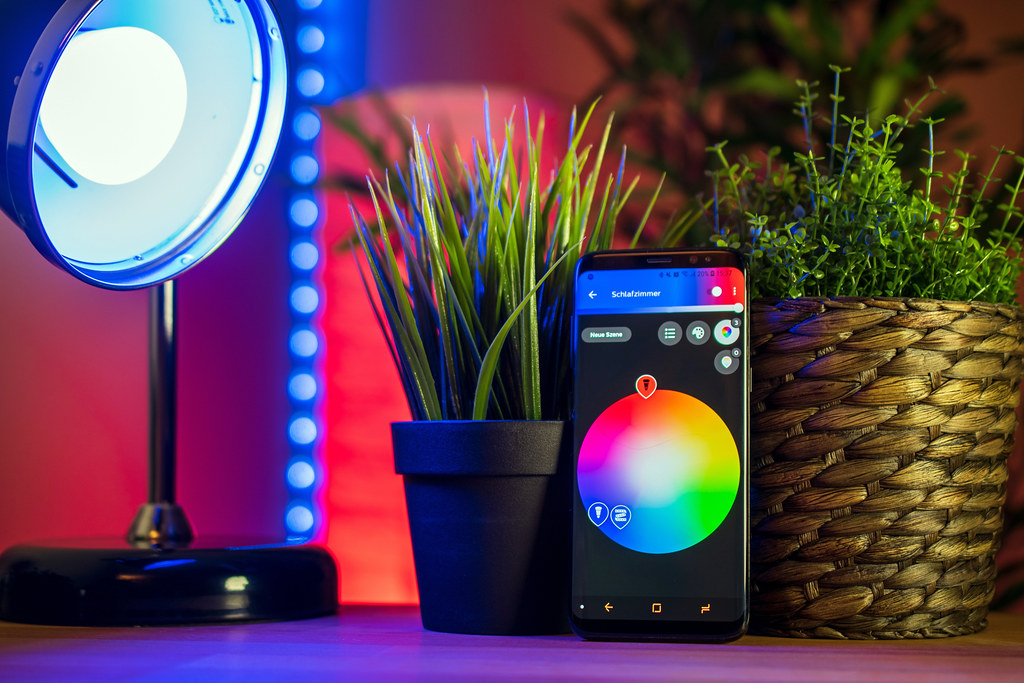
Photo: Bit Boy · CC BY 2.0 · source
The delivery photo says your package is sitting at the door. You are on the second floor of a building where the buzzer has been mostly decorative since spring, and you are not walking down two flights in socks to verify a robot’s claims. For as long as you have rented, the alternative has been a peephole and hope. A budget video doorbell turns the whole situation into a two-second glance at your phone: a person, a box, or a neighborhood kid sprinting away from your stoop, all from the couch.
Renters have one extra constraint that matters more than resolution or night vision: you cannot cut into the door, the frame, or the wall. That pushes you toward battery-powered models that mount on a small bracket and come off clean when the lease ends. Modern budget units — mostly in the roughly forty-to-hundred-dollar tier — have quietly absorbed features that were premium-only a few years ago: 1080p video, workable night vision, package detection. What still separates them is battery life, storage, and how loudly they ask for a monthly subscription.
If this is step one of a smarter rental, our smart home category collects the rest of the low-commitment upgrades, and the picks below are the doorbell version of that philosophy.
What actually matters before you buy
Start with the mounting method, not the spec sheet. Ask what it attaches to. Most battery doorbells sit on a bracket held by two small screws — easy to patch and repaint if your landlord is strict — and some offer no-drill adhesive mounts. Either way, keep the original hardware, photograph the install, and plan to take the doorbell with you. A wired model that replaces the existing chime wiring is off the table for most apartments, and that is fine.
Treat battery-life ratings as a starting point, not a promise. The longest-rated battery doorbells claim up to two years on a pair of AA lithium cells, based on published specifications — but those ratings assume low traffic. A door that faces a sidewalk will wake the camera dozens of times a day, and months is the realistic number. Check whether the battery pack is removable or whether the whole unit comes down to charge.
Do the subscription math on day one. Almost every doorbell shows a live view for free. The recorded clips — the ones that actually solve package problems — are another story. Some brands put clip history behind a monthly plan once the trial ends, while others record to local storage with no mandatory fee. Two years of subscription can cost more than the hardware, so the cheapest doorbell is not always the cheap one.
Match the field of view to your door. Wide, head-to-toe views catch packages on the floor and faces at close range; narrower views frame better on long stoops. If deliveries pile up at the bottom of your door, head-to-toe is the feature to prioritize. Night vision quality matters most in the six-to-ten p.m. delivery window, when you cannot judge it from a listing photo.
Check your Wi-Fi at the actual door. Front doors are worst-case networking: exterior walls, metal doors, distance from the router. If your phone shows one bar of signal on the stoop, any 2.4GHz doorbell will stutter. A mesh node or extender near the door fixes it, and costs less than returning a doorbell that keeps buffering.
Plan the alert noise. A doorbell that pings on every passing car becomes a doorbell you mute, which is a doorbell you ignore. Motion zones, activity scheduling, and person detection are the difference; check what the budget model actually includes rather than what it promises in an upsell.
How to get more out of what you already own
If you already own a doorbell, the free upgrades come from placement and tuning. Tilt wedges aim the camera down at packages instead of across the street; motion zones shrink the trigger area to your stoop; quiet schedules stop the phone buzzing at midnight but keep it live when it matters. Wipe the lens monthly — front doors collect grime, and half of blurry night video is a dirty lens, not a bad sensor.
Then make the doorbell part of the home instead of a standalone gadget. Most ecosystems let a doorbell event trigger something else: turning on a hallway or porch light when motion starts after dark, for example. If you are building that kind of routine, our smart plug starter guide covers the plug side of it, and the whole thing takes about five minutes to set up.
The picks, briefly
The three below take different strategies — the longest-rated battery, local storage with no mandatory fee, and the biggest ecosystem — and the trade-offs are stated plainly so you can pick your poison.
Blink Video Doorbell
The easiest no-wiring install in the budget tier, with battery life you can plan a season around.
Best for: Renters who want Alexa alerts without monthly charging trips
- Rated for up to two years on two AA lithium batteries, based on published specifications
- Runs fully on battery or wires to an existing chime — flexible for rentals with no doorbell wiring
- Optional Sync Module gives you local clip storage instead of relying only on the cloud
- Recording clips requires a Blink subscription plan after the trial
- 2.4GHz Wi-Fi needs a decent signal at the door
Eufy Security Video Doorbell (Battery) C31
Local storage with no mandatory monthly fee, which changes the math over a two-year lease.
Best for: Anyone allergic to subscriptions
- Records to onboard storage with local playback — no cloud plan required, based on published specifications
- Battery powered with an included mounting bracket, so no wiring needed
- Bigger body than most battery doorbells — check clearance on a narrow frame
- App is busier than rivals, with fewer third-party integrations
Ring Battery Doorbell
The ecosystem play: head-to-toe video and the smoothest handoff if you already live in Alexa.
Best for: People who already pay for, or plan to pay for, a cloud plan
- Head-to-toe field of view catches packages close to the door
- Quick-release battery pack swaps without taking the whole unit down
- Broad accessory ecosystem, from chimes to tilt wedges
- Cloud clip history sits behind a subscription
- Busier doorways mean recharging more often than long-rated rivals
FAQ
Will my landlord mind if I install a video doorbell?
Battery doorbells mount on a small bracket held by two screws or a no-drill adhesive pad, and they come off clean at move-out. Check your lease for rules on exterior fixtures, keep the original hardware, and photograph the install so any patching is quick.
Do these work without existing doorbell wiring?
Yes — battery models run entirely on their own and simply skip the indoor chime, or pair with a plug-in chime accessory depending on the brand. Wiring is optional on models that support it, not required.
Is a subscription really necessary?
Live view and alerts are usually free. Recorded clips vary: some brands put clip history behind a monthly plan, while others record to local storage with no mandatory fee. Price the plan over two years before you choose.