Smart Plugs: The Cheapest Way to Start a Smart Home
Smart plugs are the cheapest first step into a smart home. What to check before you buy, plus three budget picks for lamps, fans, and small appliances.
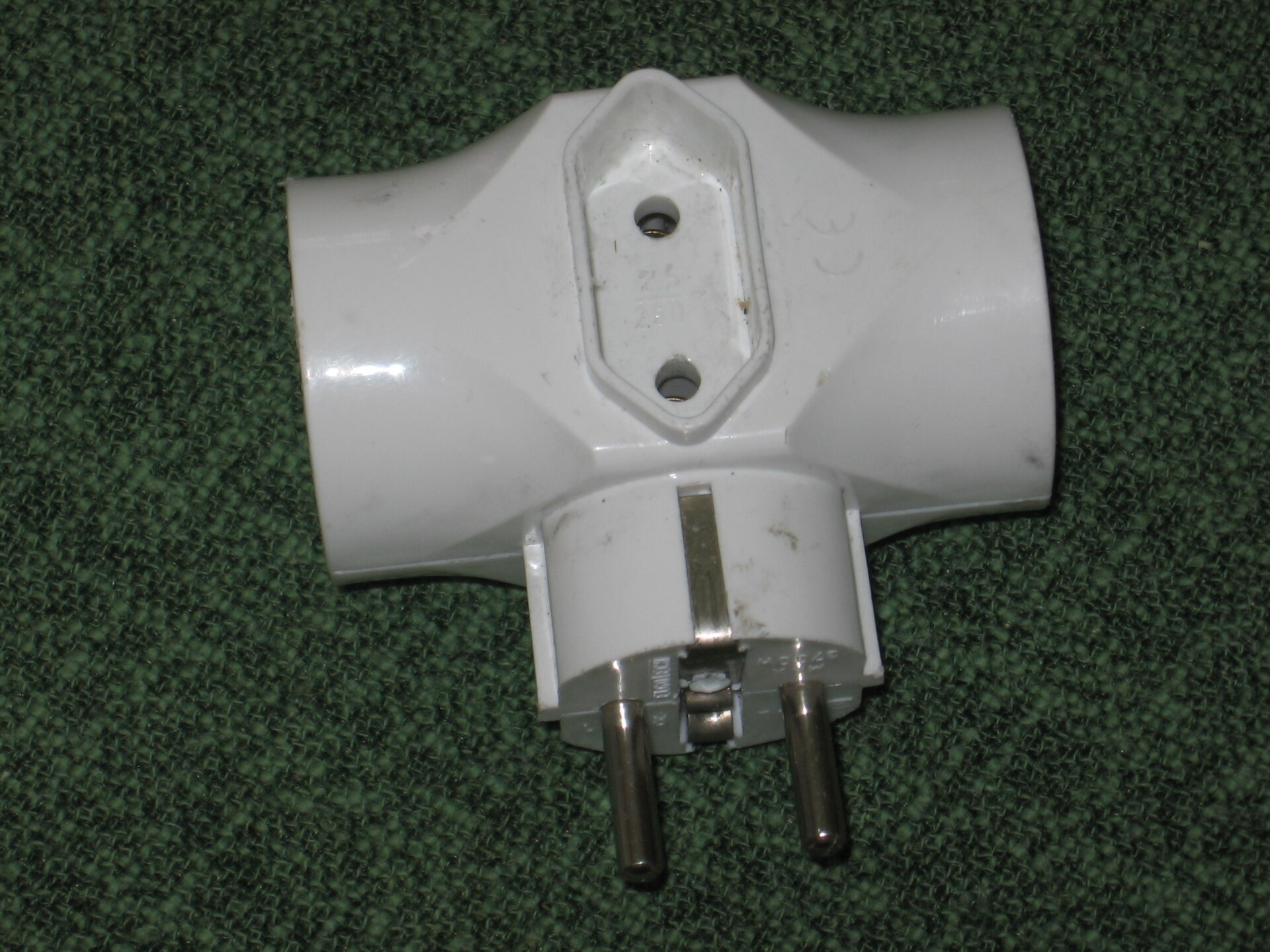
Photo: Julo · Public domain · source
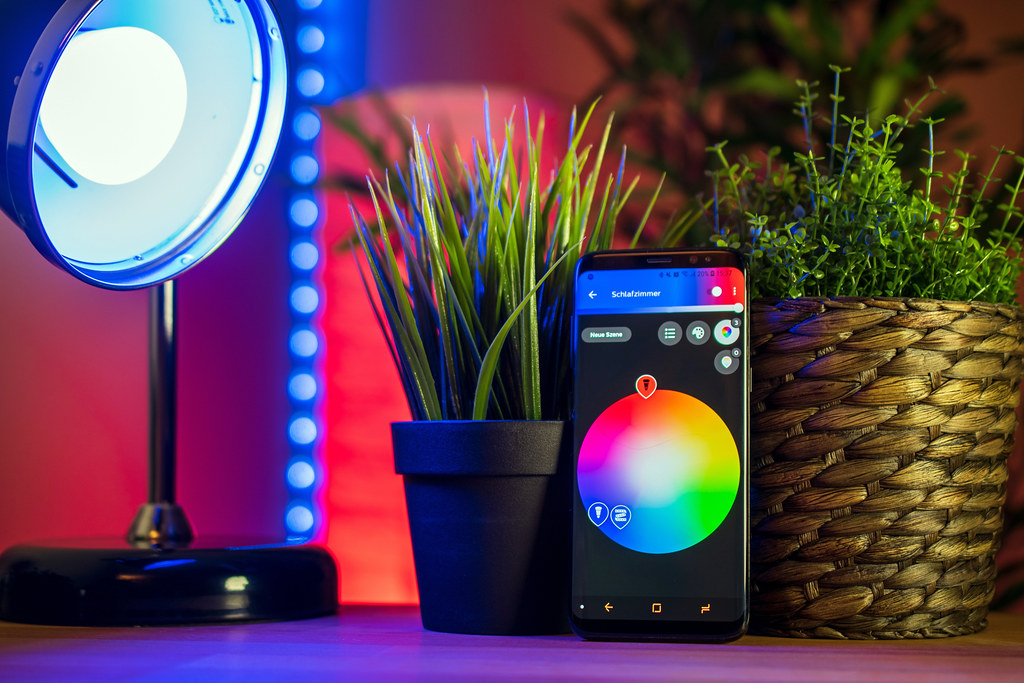
It’s 9:40 on a Tuesday night, you’re three episodes deep into something good, and the only lamp in the room is wedged behind the couch where it’s been since you moved in. Getting up means squeezing past the armrest and feeling along the back of the shade for a switch that is always, always facing the wall. On the fourth trip of the evening you finally do the thing you’ve been putting off for months: you open your phone, tap the tile that says couch lamp, and the room goes dark without you moving an inch. That small moment is the entire pitch of the smart plug — and it’s still the cheapest, least intimidating way to start a smart home. No ladder, no screwdriver, no conversation with your landlord.
A smart plug is exactly what it sounds like: a small adapter that sits between the wall outlet and whatever you already plug into it. Once it’s on your Wi-Fi, that device — a lamp, a fan, a humidifier, the coffee maker — becomes something you can switch from your phone, with your voice, or on a schedule. Notice what’s missing from that list: dimming, color, anything fancy. Plugs are binary. They turn things on and off, on time, every time, which is quietly most of what people actually want from a smart home.
For renters, the math is even better. There’s nothing to wire, nothing to unscrew, and when the lease ends, the whole setup comes out in ten seconds and moves with you. If you’re upgrading a place one small win at a time, our smart home category follows that same low-commitment philosophy, and plugs are step zero.
What actually matters before you buy
Check your Wi-Fi band first. Most budget plugs connect to 2.4GHz Wi-Fi only, and some routers make that awkward by default. If your network broadcasts one combined name, pairing usually works but can take two tries; if you run a mesh system that steers everything to 5GHz, look for plugs labeled dual-band or Matter. This one check prevents most of the one-star reviews in this category.
Look at the footprint, not the box. A chunky plug can block the second outlet on a standard wall plate, which defeats the purpose in older apartments with two outlets per room. Search the listing for side-by-side photos showing two plugs stacked on one outlet. Mini and ultra-slim in the product name are marketing terms until you see the actual body.
Decide if energy monitoring is worth a few dollars. Some plugs report live wattage and daily usage in the app. That’s genuinely useful for figuring out what a space heater or an ancient mini-fridge costs you, and useless for a lamp. Pay for it when you’ll read it; skip it when you won’t.
Read the electrical rating before the fun features. Most plugs are rated for 15 amps, roughly 1,800 watts, based on published specifications. Lamps and fans are nowhere near that. A space heater or window AC unit lives right at the edge, so check the appliance’s own label, keep one heavy device per plug, and never daisy-chain plugs into power strips.
Ask what happens when Wi-Fi goes down. A good plug keeps running schedules it already saved and keeps the physical button working, so your lamp still turns off at midnight even while the router reboots. This is a spec-sheet detail worth two minutes of searching, because it separates the reliable ones from the frustrating ones.
Buy for the assistant you actually use. The badges matter: Alexa, Google Home, Apple Home. Matter is increasingly common and makes setup cleaner across ecosystems, but don’t pay extra for a logo you’ll never open.
How to get more out of what you already own
Start with the dumb devices you already like. A thrift-store floor lamp becomes scene-setting lighting the moment it’s on a plug; a box fan becomes a bedroom that’s already cool when you walk in at 6 p.m.; a coffee maker with a physical switch becomes coffee that starts itself — as long as you load the grounds the night before, a lesson everyone learns exactly once. Away mode, which randomizes on-and-off times while you travel, is the single most underrated feature in the whole category.
Then build one routine instead of ten rules. A goodnight command that kills the lamp, the fan, and the string lights does more for you than any individual automation, and it takes about two minutes to set up in whichever app your plugs use.
One honest limit: plugs can’t dim. If the goal is warm, low light at dusk rather than just on and off, you want smart bulbs instead — our guide to smart lighting for renters covers the no-wiring version of that upgrade. And one placement rule: anything that draws serious power should plug straight into the wall, with the smart plug as the middleman and nothing else stacked behind it.
The picks, briefly
Every plug below installs in under a minute, works without a hub, and costs about what the takeout you were eating when you decided you needed one — the differences live in the details, so here’s the short version.
TP-Link Kasa Smart Plug Mini (EP10)
The reliable default that just works with Alexa and Google, no hub needed.
Best for: First-time buyers setting up lamps and fans on schedules
- Ultra-compact body that usually leaves the second outlet free
- Clean Kasa app with schedules, timers, and away mode
- No hub required — connects straight to 2.4GHz Wi-Fi
- No energy monitoring on this model
- 2.4GHz only, which can be finicky on some mesh networks
Wyze Plug
Budget pricing with per-device energy stats in the app, rare at this tier.
Best for: Anyone curious what a space heater or old fridge actually costs to run
- Energy monitoring built in, based on published specifications
- Vacation mode randomizes on-off times while you travel
- Dual-outlet version adds two controllable sockets per unit
- 2.4GHz pairing only
- Needs a Wyze account and cloud connection for full features
Meross Smart Plug Mini (HomeKit Version)
The least annoying pick if your household runs on Apple Home.
Best for: iPhone users who want HomeKit scenes and Siri control
- Works natively with Apple Home on the HomeKit model, plus Alexa and Google
- Slim housing that stacks two per wall outlet
- Long track record of steady firmware support, based on Meross's public update history
- Typically costs a bit more than Alexa-first plugs
- Setup still wants a 2.4GHz connection before it appears in Apple Home
FAQ
Will a smart plug work with my lamp?
Yes, as long as the lamp turns on with a physical switch and stays on when you leave it switched on. Check the plug's electrical rating too — most are rated for 15 amps, which covers lamps and fans but not large space heaters.
Do smart plugs waste electricity when idle?
They draw a small amount of standby power, usually a watt or less. In day-to-day terms that is pennies a month, far less than what scheduled shutoffs save on devices you would otherwise leave running.
What happens if my Wi-Fi goes out?
Most plugs keep running any schedules they already saved and the physical button keeps working. Remote control and app access return when the network does, which is why on-device schedules are worth checking in the specs.